
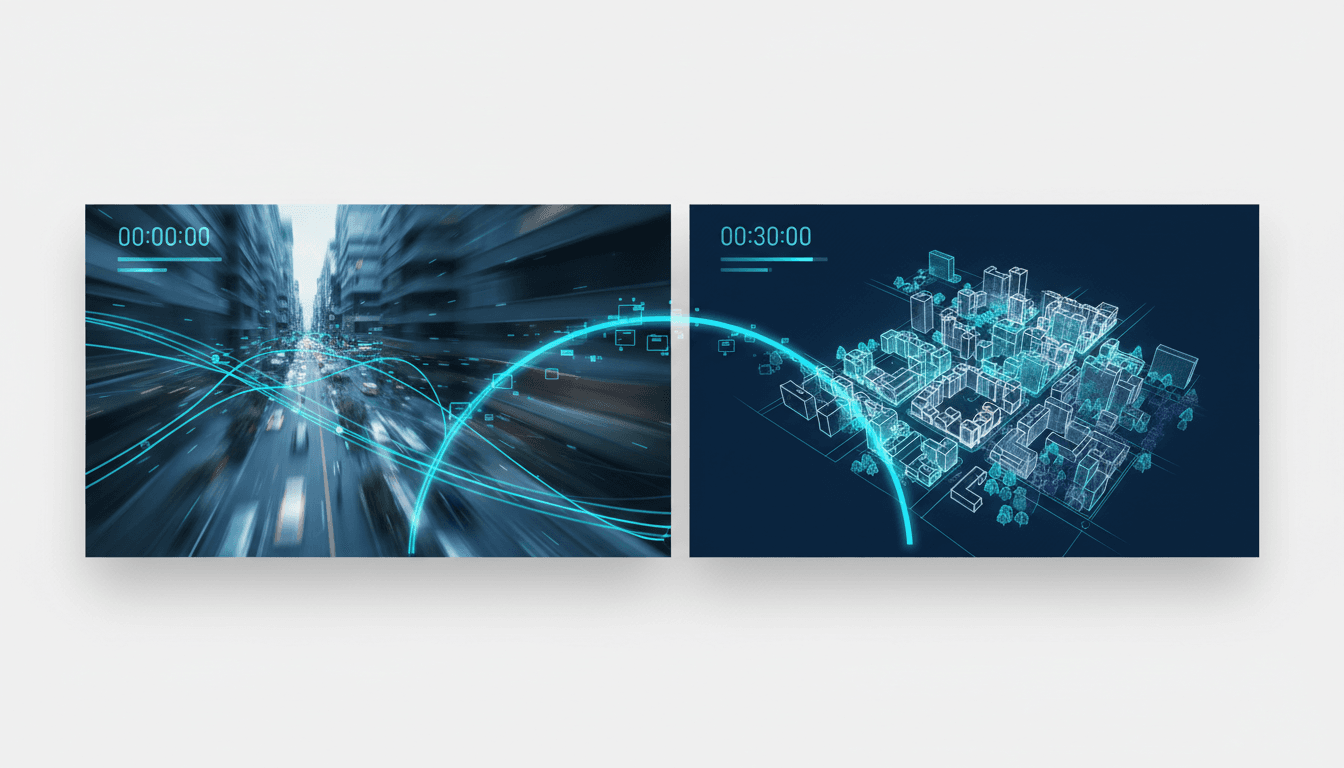
How to Build Real-Time 3D Maps from Live Video (Without Slowing Down)
Your robot loses its place after ten minutes of operation. Your drone's 3D scan becomes a blurry mess over long distances. Your AR app can't maintain a consistent map when the user moves through a building.
You're facing the classic trade-off: accuracy, consistency, or speed. Pick two. Until now.
What Researchers Discovered
A team has developed LingBot-Map, an AI model that builds accurate 3D maps from live video at 20 frames per second. It maintains geometric precision over thousands of frames without slowing down. Read the full paper: Geometric Context Transformer for Streaming 3D Reconstruction.
The breakthrough comes from three key innovations:
1. Smart Memory Management The system uses Geometric Context Attention (GCA) to remember only what matters. Think of it like human navigation: you remember the main staircase and the big painting, not every floor tile. This lets the system run efficiently for hours without memory overload.
2. Feed-Forward Processing It makes predictions in a single pass—no stopping to recalculate. Like an instant translator versus one that pauses between sentences. This eliminates lag, making it suitable for live decision-making on robots or AR glasses.
3. Learned Instead of Programmed Instead of hand-coded rules for every scenario, the model learns from data. This allows it to handle diverse environments—from warehouses to outdoor spaces—without extensive tuning.
On standard benchmarks, LingBot-Map outperformed previous streaming methods in both camera positioning accuracy and 3D reconstruction detail while maintaining real-time performance.
How to Apply This Today
You don't need to wait for commercial products. Here's how to start implementing this approach in your projects this quarter.
Step 1: Assess Your Hardware Requirements
LingBot-Map achieves 20 FPS on mid-resolution video with a modern GPU. Before you begin:
- Test your current setup: Run a simple camera feed at your target resolution and framerate
- Check GPU compatibility: NVIDIA GPUs with at least 8GB VRAM work best
- Consider embedded systems: The efficiency makes it viable for Jetson Orin or similar platforms
For example: A warehouse inspection drone needs to map 50,000 square feet continuously. With a 1080p camera and RTX 3060 GPU, you can expect real-time mapping for 2+ hour missions.
Step 2: Structure Your Training Pipeline
The model learns from paired video and 3D data. Here's how to prepare yours:
- Collect training sequences with synchronized camera poses and depth information
- Use existing datasets like ScanNet or Matterport3D if starting from scratch
- Implement the Geometric Context Attention mechanism to manage long sequences
- Train on diverse environments similar to your deployment scenarios
Estimated effort: 4-6 weeks for a team of 2-3 engineers with PyTorch experience. The paper provides architectural details and training procedures.
Step 3: Integrate with Your Existing Systems
LingBot-Map outputs camera poses and 3D geometry. Connect it to:
- Robot navigation stacks (ROS, Isaac Sim)
- AR frameworks (ARKit, ARCore for persistent world mapping)
- Inspection software for volume calculations or defect detection
For autonomous robots: Use the real-time poses for localization and the 3D map for obstacle avoidance. The system maintains consistency even when revisiting areas hours later.
Step 4: Validate with Your Specific Use Case
Don't rely solely on benchmark results. Test:
- Long-duration consistency: Run continuous mapping for your typical mission length
- Environmental variations: Different lighting, textures, and geometries
- Integration performance: End-to-end latency with your full system
Set measurable targets: Camera pose error under 2cm, mapping drift less than 1% over 100 meters, sustained 15+ FPS on your hardware.
What to Watch Out For
This approach has limitations you should plan for:
1. Moving Objects Are Ignored The model focuses on static background reconstruction. It won't track people, vehicles, or other dynamic elements. For crowded environments, you'll need additional perception layers.
2. Requires Startup Initialization The system needs an initial set of frames to establish scale and coordinate system. Plan for a brief calibration period (5-10 seconds) before full operation.
3. No Semantic Understanding It creates geometric maps but doesn't identify objects. You get shape and position, not "chair" or "door." Add a separate classification module if you need object recognition.
Your Next Move
Start by downloading the paper and examining the architecture. Then, run a simple test: take 60 seconds of video from your target environment and try to create a consistent 3D map with your current tools. Where does it fail? Where does it drift?
This week, identify one application where real-time, consistent 3D mapping would solve a concrete problem—whether it's robot navigation in your facility or AR persistence in your product.
What's the first environment where you'd deploy this approach? Share your use case in the comments below.
Comments
Loading...