
Your warehouse robot just crashed into a pallet. Production stops. Your team scrambles.
You ask the obvious question: Why?
The robot's AI brain gives you nothing. It’s a black box. You can't see what it saw or why it chose that path. You're left with a broken robot, a delayed order, and no way to prevent it from happening again.
This is the daily reality for teams managing autonomous systems. When robots fail, you can't diagnose the problem. You can't prove what happened to regulators or insurance. You just replace parts and hope.
What if every robot decision came with a built-in explanation?
What Researchers Discovered
Researchers have built a framework called TRACE. It forces autonomous robots to document their decisions, step-by-step. Think of it like a flight recorder for robots. It doesn't just log that a crash happened. It shows the exact sensor data the robot used, the choices it considered, and the reason it picked the action that led to the crash.
You can read the full paper here: Towards Trustworthy Autonomous Robots: An Explainable AI-Based Decision Framework.
The system works in four clear layers:
- Perception: What did the robot's sensors actually see?
- Planning: What were the possible actions based on that data?
- Decision: Which action did it choose and why?
- Action: What command was executed?
Each layer creates a log. These logs link together to form a complete, auditable trail from sensor input to physical action.

The TRACE framework breaks down robot decision-making into four inspectable layers, creating a clear audit trail.
This is not just about troubleshooting. It's about liability, compliance, and cost.
- Liability: If a robot causes damage, you can prove whether it was a sensor failure, a software bug, or an environmental issue. This reduces legal risk.
- Compliance: Industries like pharma, food, and automotive require documented processes. This framework provides the audit trail.
- Cost: Instead of replacing an entire robot or subsystem, you can pinpoint the failed component—whether it's a camera, a line of code, or a logic rule.
How to Apply This Today
You don't need to invent TRACE from scratch. You can build its principles into your existing robotic systems starting now. The goal is to move from a black box to a transparent system. Here’s how.
Step 1: Instrument Your Data Pipeline
Your first job is to start logging the inputs. Most systems only log outputs (e.g., "moved to coordinate X"). You need to log what the robot perceived when it made that choice.
Action: For each decision cycle, capture a snapshot of the key sensor data. This includes:
- Camera frames or LIDAR point clouds (with timestamps)
- Internal state (battery level, error codes)
- The processed "perception" data (e.g., "object detected at coordinates Y")
Tools & Example:
- Use a lightweight logging library like ROS 2's
rclpylogging or a time-series database like InfluxDB. - Don't store everything forever. Implement a rolling buffer that keeps the last 24 hours of high-resolution data, compressed and archived for incidents.
- For example: Your pallet-moving robot makes a navigation decision every 100 milliseconds. Configure it to save the front-facing camera image and the processed map with obstacle locations for each of those decisions. When it later hits a pallet, you can replay the last 30 seconds of "what it saw."
Step 2: Decouple and Log Decision Layers
Map your robot's current software architecture to the four TRACE layers. Your code is likely a tangled mix of perception, planning, and control. Start by identifying where these functions happen.
Action: Create separate log streams for each logical layer.
- Perception Log: "Sensor X detected feature Y with confidence Z."
- Planning Log: "Based on perception, possible actions were A, B, C."
- Decision Log: "Chose action B because it minimized travel time."
- Action Log: "Sent command to wheels: turn 30 degrees."
Example: A delivery robot approaches a door. Your logs should show:
- Perception: "Camera identified door handle at [coordinates]."
- Planning: "Options: 1) Grasp handle, 2) Wait for human, 3) Return to base."
- Decision: "Chose Option 1 (Grasp handle) because policy rule #7 prioritizes autonomous operation."
- Action: "Activated gripper servo motor."
This structure lets you isolate failures. Did it fail because it mis-identified the handle (Perception error)? Or because it chose the wrong policy (Decision error)?
Step 3: Build a Simple Incident Review Protocol
Traceability is useless if no one reviews it. Create a standard operating procedure (SOP) for investigating failures.
Action: Build a three-step protocol for your operations team:
- Trigger: Define what constitutes an "incident" (e.g., collision, stoppage > 2 minutes, safety sensor trigger).
- Capture: Immediately preserve the data logs from 5 minutes before to 2 minutes after the incident.
- Review: In a weekly 30-minute meeting, review the top 3 incidents. Walk through the layered logs to find the root cause.
Tools: Use a shared document or a simple ticketing system (like Jira or Linear) to track incidents and findings. The goal is to move from "the robot crashed" to "the robot crashed because the camera was occluded by glare at 2 PM, and the planner had no fallback rule for lost vision."
Step 4: Start with One Robot, One Process
Don't try to retrofit your entire fleet at once. You'll get overwhelmed.
Action: Pick a single, critical robot and a single, high-value process. Good candidates are:
- A robot that handles expensive inventory.
- A process with recent safety near-misses.
- An area where you're facing regulatory scrutiny.
Estimated Effort: For a team of one software engineer and one operations lead, implementing Steps 1-3 for a single robot should take 4-6 weeks. This gives you a working prototype and proven value before scaling.
What to Watch Out For
This approach is practical, but it's not magic. Be aware of these limitations from the research:
- Performance Cost: Logging and linking data adds computational overhead. The paper doesn't quantify the slowdown. In your implementation, profile your system to ensure decision cycles don't become too slow for safe operation. Start with low-resolution logging and increase detail only as needed.
- Explanation Complexity: The logs will be technical. The framework creates an audit trail, but that trail might only be readable by your engineers. Plan to create simplified summary reports for managers and regulators.
- Sensor Failure: TRACE traces decisions from sensor data. If a camera dies and sends no data, the trail starts with a gap. You must also monitor the health of the sensors themselves.

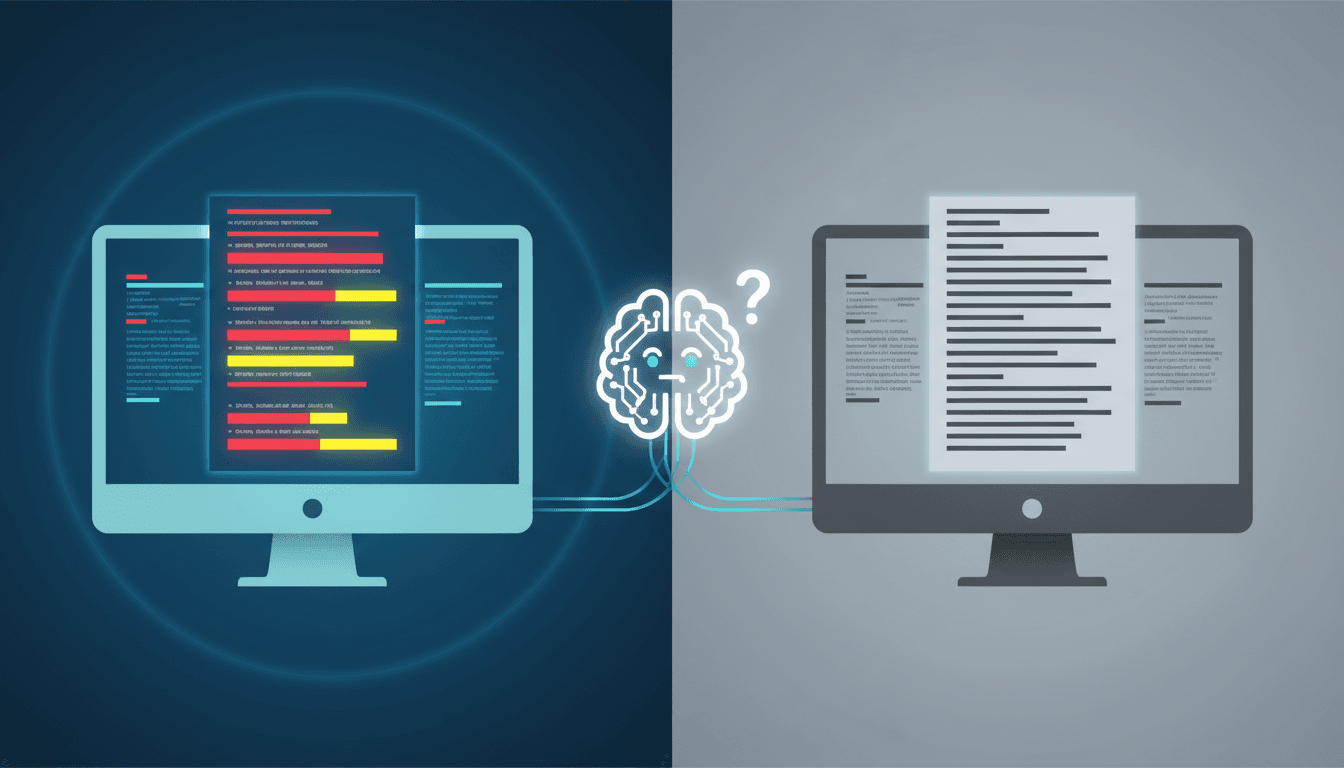
A detailed trace showing how specific sensor readings (left) causally led to a robot's navigation command (right). This is the core of an auditable system.
Your Next Move
This week, your goal is simple: Stop guessing.
Start by gathering your robotics and operations leads. Pick one problematic robot. In one hour, whiteboard its current decision flow. Ask: "If it fails tomorrow, what data do we have to figure out why?"
You'll likely find gaps. Those gaps are your starting point for building transparency.
Question for your team: What's the one robot failure that cost you the most time or money last quarter? How would a decision log have changed the outcome?
Share your answer below.
Comments
Loading...