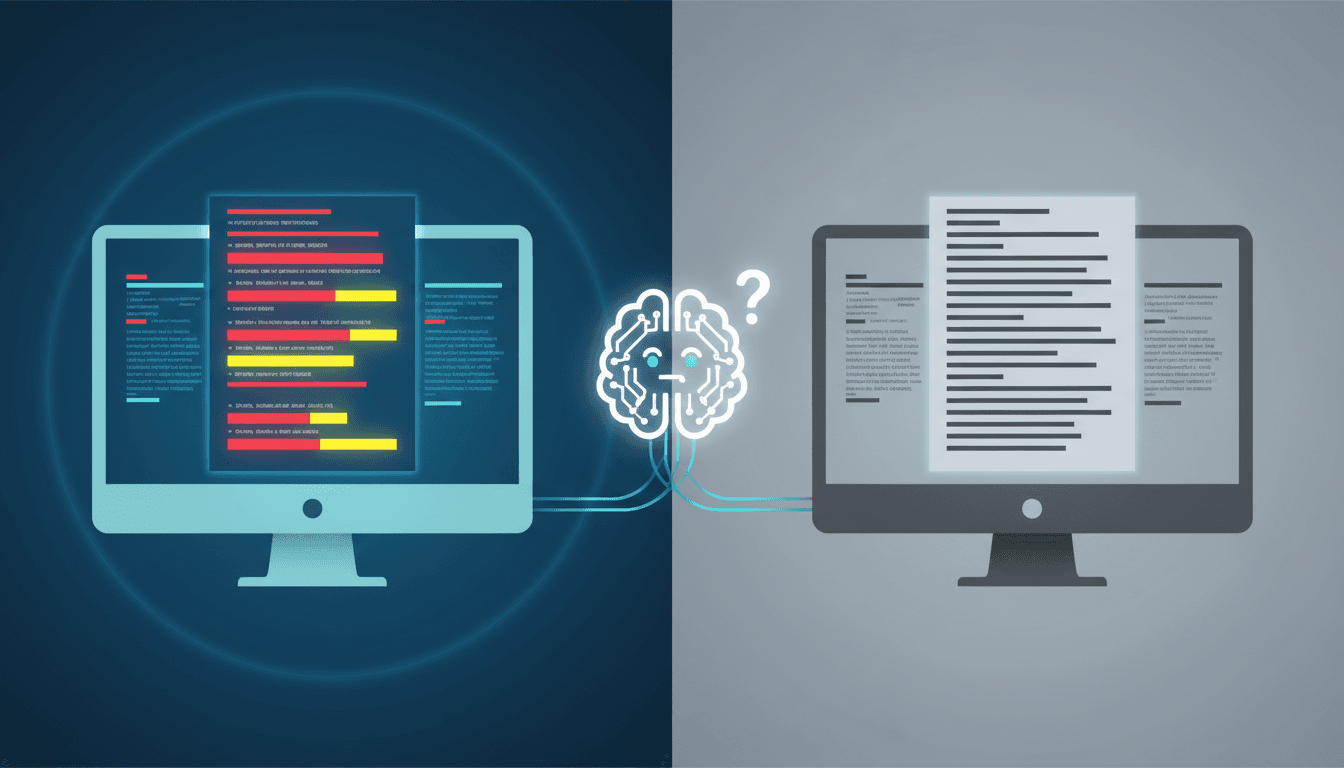

The Problem You Recognize
Your AI agent works perfectly in staging. Then marketing renames 'Submit' to 'Send Request,' or your API team changes 'user_id' to 'accountId.' The agent stops. Support tickets rise. The task did not change. The interface did.
This is a common production pain. AI agents are often trained or prompted to follow exact words, labels, and schemas. When those labels move, the agent can miss the point. For your team, that means brittle automation, surprise failures, and manual cleanup.
What Researchers Discovered
The paper One Task, Many Interfaces: Simple Cross-Interface Consistency Training Improves LLM Agent Robustness studies a simple failure mode: an AI agent can know the task but still fail when the interface changes. Think of a cashier trained on a register that says 'Void Sale.' If the new register says 'Cancel Transaction,' the cashier may freeze. The job is identical. The label is different.
Researchers found that post-training - the final training step that adapts a base model to your tasks - can bind an agent's skill to the exact interface it saw during training. Surface changes that keep the meaning the same - renaming an action, changing notation, swapping API field names - can still make the agent worse. This matters because your product changes constantly. You cannot freeze every button, schema, and prompt just to keep the AI stable.
The paper also warns that adding more examples is not always enough. If you train on 100 random interfaces but score each sample on its own, the agent may still fail on a new interface. It learns to copy patterns, not to see that the task is the same underneath. The proposed fix is Cross-Interface Consistency Training: train the model to give equivalent answers across different interfaces for the same task.

How to Apply This Today
You do not need a full research lab to make this practical. Use these steps this week.
- Build an interface robustness test suite.
Take your top 10 agent tasks. Run each task through three interface variants: renamed button, changed API field, and alternate notation. Example: if the task is 'create support ticket,' test 'Open Ticket,' 'Create Issue,' and 'Log Case.' Record pass/fail and latency. This gives you a measurable baseline. Teams that add this step can catch regressions before deployment instead of after customer complaints. This takes one engineer about 2 to 3 days.
- Create a business action mapping layer.
Do not let the agent depend on raw UI labels. Define stable internal actions: ticket.create, customer.notify, invoice.send. Then map interface variants to those actions. If your tool schema says 'sendEmail,' 'notifyUser,' or 'dispatchMessage,' your mapping layer tells the agent they all mean customer.notify. This reduces retraining when product names change.
- Add paired interface examples to prompts or fine-tuning.
For each task, include at least two equivalent interface examples. Prompt: 'When the interface says Cancel Transaction or Void Sale, perform the same action: cancel the order.' If you fine-tune, include pairs where the task is identical but labels differ. This teaches consistency. Start small: 50 paired examples for your highest-risk workflow can be enough for a first test.
- Randomize interface labels in testing, not just in demos.
Before release, run the same task through randomized labels, field names, and notation. Use tools like pytest, GitHub Actions, or your internal eval harness. Make the test fail if the agent changes behavior for a semantically identical task. This turns robustness into a release gate.
- Monitor agent success by interface version.
Do not only track overall accuracy. Track success by tool name, API version, and UI label. Example: ticket.create works at 94% with 'Submit,' but only 71% with 'Send Request.' That tells you where to fix the mapping or prompt. You get a clear priority list instead of guessing.

What to Watch Out For
This approach helps with surface changes, not every problem. If the task itself becomes ambiguous, the agent can still fail. You may need labeled equivalent interfaces, which takes time. Also, consistency training or mapping layers need maintenance. If your product team renames actions often, your mapping must stay current. Finally, the paper does not give enough detail here for exact model size, compute cost, or universal accuracy gains. Treat it as a design principle, then measure on your own stack.
Your Next Move
Start by building a five-case interface robustness test for your most important agent workflow. Rename one label, change one API field, and switch one notation. If the agent fails, add a mapping layer today. This week, try this: make one stable internal action, map two interface variants to it, and run a pass/fail test. Share your pass rate in the comments - what interface change broke your agent first?
Comments
Loading...