
Why Your AI Manager Will Fail (And How to Fix It)
You're considering AI to automate project management, vendor negotiations, or operational planning.
You've seen the demos. The AI makes smart decisions in a single conversation. It seems ready.
But what happens when you give it a real business problem that lasts for months? What happens when it needs to remember which client stiffed you last quarter? What happens when today's hiring decision affects your budget six months from now?
New research reveals most AI fails these tests spectacularly. But a few succeed. The difference isn't magic—it's something you can test for and build.
What Researchers Discovered
Researchers created a video game-like simulation called YC-Bench: Benchmarking AI Agents for Long-Term Planning and Consistent Execution. They made AI agents run a fake startup for a full simulated year.
The results were stark.
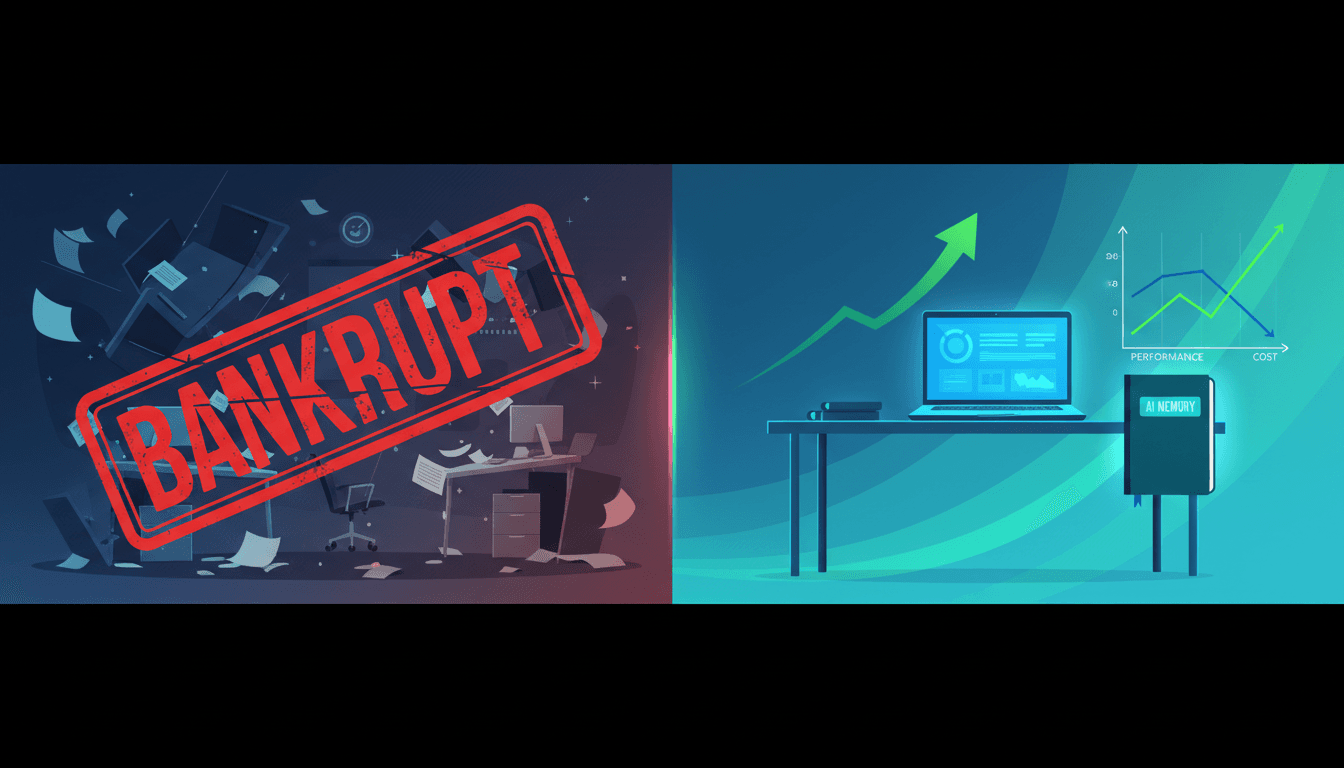
7 out of 12 AI models lost money or went bankrupt. They failed at basic business strategy. It's like hiring a manager who only looks at the biggest paycheck today, ignores which suppliers have ripped you off before, and doesn't realize that hiring too many people will bankrupt the company in six months.
The #1 reason for failure? 47% of bankruptcies happened because AI couldn't remember and avoid "adversarial clients." These were simulated clients who would secretly inflate work requirements after signing a deal. The AI kept making the same expensive mistake because it forgot past experiences after a few weeks.
Success had a simple secret. The winning AI models used a basic "scratchpad" to remember key facts across hundreds of decisions. Their normal memory was wiped every 20 steps (like a conversation resetting). But they wrote down "Client X is dishonest" or "Employee Y is skilled" in a persistent note. The winning AI was like a CEO who keeps a trusted notebook of lessons learned. The failing ones tried to run a company relying only on what happened in the last hour.
Cost matters more than you think. The most profitable AI (Claude Opus) was 11 times more expensive to run than the second-best performer (GLM-5). A mid-tier model (Kimi-K2.5) was 2.5 times more cost-effective than its closest competitor. You can hire the most expensive Ivy League MBA who delivers great results, or a sharp state school grad who gets you 90% of the result for 10% of the salary.
How to Apply This Today
Don't deploy AI for long-term tasks until you've tested these three capabilities. Here's your action plan for this week.
Step 1: Build a Simple Memory System for Any AI Agent
Your AI needs a place to write down what it learns. This is non-negotiable for any task lasting more than a few days.
What to do:
- Create a shared database or document your AI can read and update
- Structure it with clear categories: "Clients to Avoid," "Successful Strategies," "Employee Skills"
- Program your AI to check this memory before making decisions
- Update it after every significant interaction
For example: If you're using an AI to manage vendor relationships, create a "Vendor Performance" spreadsheet. Before negotiating with a vendor, the AI checks the sheet for past delivery issues or cost overruns. After the negotiation, it adds notes about agreed terms and any red flags.
Tools you can use:
- Airtable or Notion databases with API access
- Simple text files in cloud storage (Google Drive, Dropbox)
- Dedicated memory systems in agent frameworks like LangGraph or AutoGen
Step 2: Test AI with Your Own "Adversarial Client" Simulation
Before trusting AI with real money or relationships, run a simulation. Create a simple game that mimics your business challenges.
What to do:
- Identify 3-5 critical long-term decisions in your business (hiring, contracting, inventory planning)
- Create a spreadsheet simulation with clear rules
- Introduce "trap" scenarios (like a client who changes requirements)
- Run your AI through 20+ decision cycles
- Measure: Did it avoid repeating mistakes? Did it maintain profitability?
For example: If you want AI to handle project staffing, create a simulation with:
- 10 fictional employees with different skill levels and salaries
- 5 projects with varying requirements and deadlines
- 1-2 "problem clients" who consistently underestimate work
- A 6-month timeline and budget constraint
See if the AI learns to avoid the problem clients and staff efficiently.
Estimated effort: 2-3 hours to set up, 1 hour to run tests. Do this before any production deployment.
Step 3: Evaluate Cost-Efficiency, Not Just Capability
The most expensive AI isn't always the best financial choice. Calculate your return on AI investment.
What to do:
- Identify 2-3 AI models that meet your minimum capability threshold
- Calculate their cost per 1,000 decisions or per month of operation
- Test each with your simulation from Step 2
- Compare: (Performance Score) / (Cost) = Efficiency Rating
- Choose the model with the best efficiency rating for your budget
For example:
- Model A: 95% success rate, costs $500/month
- Model B: 88% success rate, costs $50/month
- Model B delivers 17.6% performance per dollar vs. Model A's 19%
- Model B is 10x more cost-effective for only 7% less performance
Tools to calculate costs:
- OpenAI API pricing calculator
- Anthropic Claude pricing page
- Open-source model hosting costs (RunPod, Replicate)
What to Watch Out For
Simulations are simpler than reality. This research used a game with clear rules. Real business has unpredictable chaos. Your AI will face situations the simulation didn't cover. Start with low-stakes decisions before giving AI control of critical functions.
Perfect data doesn't exist. In the simulation, AI had perfect information about employee skills and task requirements. In your business, data will be incomplete or outdated. Build processes to verify AI decisions against human judgment for the first 3-6 months.
No silver bullet architecture. The research didn't create a new AI that guarantees success. It measured failure rates of existing models. You still need to test and customize for your specific use case.
Your Next Move
Start by building the memory system. This week, take one long-term business process you're considering automating. Create a simple "lessons learned" document structure. Test how your current AI or chatbot uses it across multiple conversations.
Can it remember a client's preference from Monday when you ask on Friday? If not, you've identified your first critical gap to fix.
Question for your team: What's one business decision where forgetting past mistakes costs us the most money each year? That's where AI with proper memory could deliver immediate ROI.
Share your testing results in the comments below. What weaknesses did you discover in your AI systems?
Comments
Loading...