
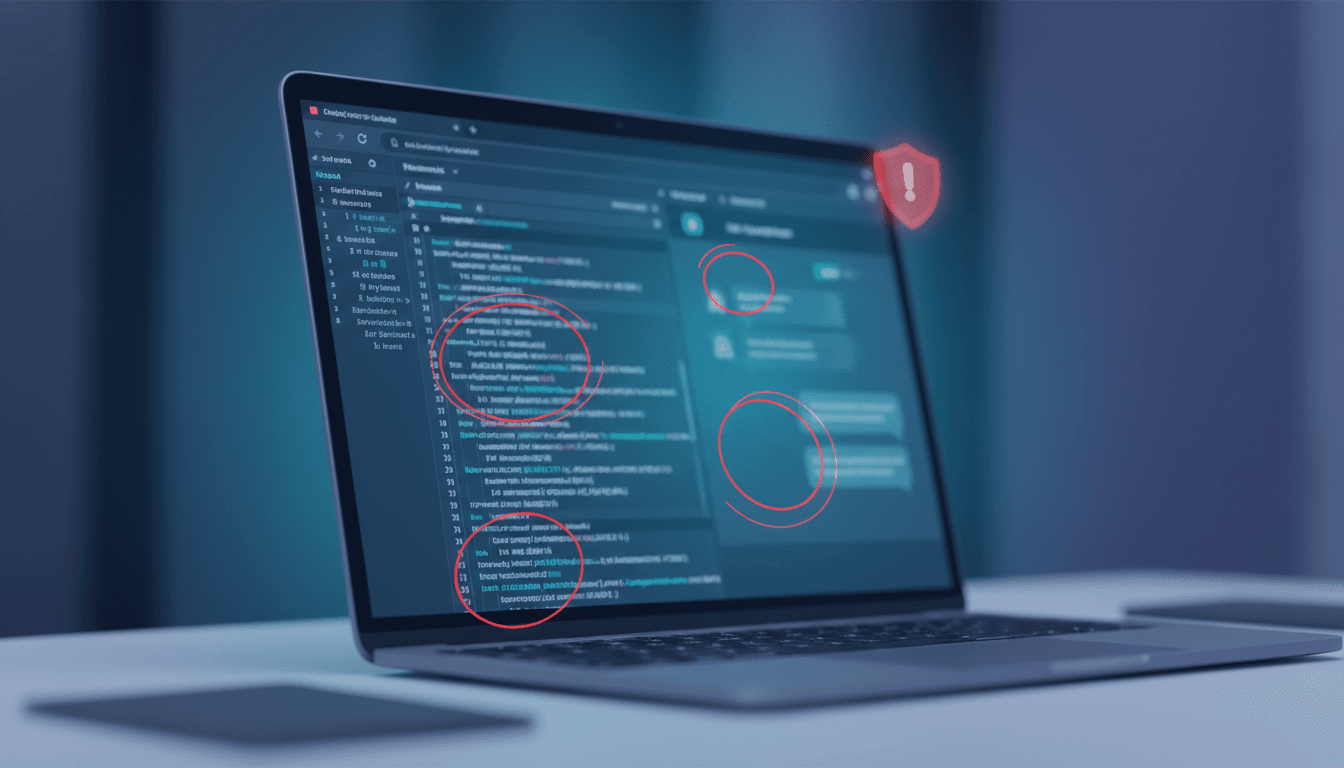
Your AI Chatbot Is Probably Leaking Secrets. Here's How to Stop It.
You built a smart chatbot to handle customer questions. It works great. You feel ahead of the curve.
But what if, right now, that chatbot is quietly sharing sensitive customer data and the secret sauce of how it works with anyone who knows a simple browser trick?
This isn't a theoretical threat. It just happened. A medical chatbot designed for patients accidentally exposed its entire internal configuration and 1,000 recent private conversations. The company thought it was secure. It was dangerously wrong.
The rush to deploy AI often means we focus on making it work, not making it safe. This is your wake-up call.
What Researchers Discovered
Researchers found a patient-facing medical chatbot with critical security flaws. The problems weren't deep hacks. They were basic mistakes in how the web application was built.
You can read the full study here: When RAG Chatbots Expose Their Backend: An Anonymized Case Study of Privacy and Security Risks in Patient-Facing Medical AI.
Here’s what they saw:
1. The AI's "Brain" Was Left in the Open. The chatbot’s internal instructions, data sources, and technical settings were fully visible through standard browser tools. Think of it like leaving the blueprints and security codes for a bank vault taped to the front door. This exposes your competitive advantage—how your AI works—and gives attackers a map to exploit.
2. Private Conversations Were Stored and Exposed. The system stored the last 1,000 patient chats. Anyone could access the full questions and answers. The company publicly claimed it didn't store personal data. This is like a doctor's office promising confidentiality but leaving patient charts in an unlocked filing cabinet in the waiting room. It violates laws like HIPAA and GDPR and destroys trust instantly.
3. The Biggest Risk Wasn't the AI Model. The core AI might have been safe. The vulnerability was in the surrounding website and data connections—the parts most developers forget to lock down. You can build a fortress with an impenetrable gate, but if you leave the back windows open and the architect's plans in the mailbox, you're not secure. Security must cover the entire system.
4. Attackers Use the Same Tools You Do. The researchers used commercial AI tools (like Claude) to find these flaws quickly. This means both your security team and malicious actors have the same advanced toolkit. You can't rely on "security through obscurity" anymore. The race is on.
How to Apply This Today: Your 5-Step Security Checklist
Don't just read this and worry. Act. You can start securing your AI chatbot this week. Follow these concrete steps.
Step 1: Run a 5-Minute Browser Check (Do This First)
Open your chatbot in a web browser (Chrome or Firefox). Right-click anywhere on the page and select "Inspect" or "Inspect Element." This opens the Developer Tools.
Click the "Network" tab. Then, interact with your chatbot—ask it a test question. Watch the network requests that appear.
Look for:
- Requests that contain words like "prompt," "query," "configuration," "system," or "instructions."
- Click on these requests. Look at the "Preview" or "Response" tabs. If you see your internal instructions, API keys, or user data displayed in plain text, you have a leak.
For example: If your chatbot for HR answers questions about company policy, a request might expose the prompt: "You are an HR assistant. Use ONLY the data in the following documents: [link to internal HR drive]. Tell employees..." Now an attacker knows where your sensitive HR documents are stored.
Who does this? Any developer on your team. Time required: 5-10 minutes.
Step 2: Audit Your Data Storage & Encryption
Assume your chatbot stores every conversation unless you have proof it doesn't. You must verify.
- Check your backend. Review the database or logging service your chatbot application writes to. What data is stored? Is it the full conversation or just metadata?
- Enforce encryption. All stored conversations containing personal, financial, or health data must be encrypted at rest. Use your cloud provider's managed encryption keys (e.g., AWS KMS, Azure Key Vault). Don't roll your own.
- Align your privacy policy. If your policy says "we don't store your data," but you log conversations for debugging, you are non-compliant. Update the policy to match reality, or stop storing the data.
Step 3: Lock Down Configuration & Prompts
Your AI's system prompt and configuration are intellectual property. They must never be sent to the user's browser.
The fix: Keep all configuration logic on your secure backend servers. The user's browser should only send the question and receive the answer. The "brain" of the operation stays hidden on your server.
How to implement: If you're using a framework like LangChain or LlamaIndex, ensure the system_prompt and any chain configuration is defined and executed server-side. Your frontend code should only call an API endpoint.
Step 4: Use AI Tools to Attack Yourself
Turn the researchers' method into a defense. Use the same AI tools that attackers use to probe your system.
- Simulate an attacker. Use a tool like Claude or ChatGPT-4. Give it this prompt: "You are a security tester. I will give you the HTML and JavaScript code of a web page for an AI chatbot. Analyze it and list every potential vulnerability, especially any exposed API keys, internal instructions, or data storage endpoints."
- Feed it your code. Use the "View Page Source" in your browser and copy the relevant parts of your chatbot's frontend code into the AI. See what it finds.
- Run this test quarterly. Make it part of your release cycle.
Step 5: Implement Access Controls & Monitoring
Security isn't a one-time check. It's an ongoing process.
- Apply the Principle of Least Privilege. Does your chatbot's backend service have more database access than it needs? Restrict it.
- Monitor for anomalies. Set up alerts for unusual request patterns, like a single user making thousands of rapid queries (a sign of someone trying to scrape your data or prompts).
- Use API Gateways. Tools like AWS API Gateway or Azure API Management can help enforce rate limiting, authentication, and logging for all requests to your chatbot backend.
What to Watch Out For
- Complacency. The company in the study likely thought, "It's just a chatbot website." They underestimated the risk. Treat any system handling sensitive data as a high-value target.
- The "AI-First" Blind Spot. Teams get excited about model performance and response quality. Security becomes an afterthought. Make a member of your team explicitly responsible for AI application security.
- False Compliance. You might be using a "compliant" cloud service (like HIPAA-eligible AWS), but if you misconfigure it and expose data, you are still liable. The cloud provider's compliance does not guarantee your application's security.
Your Next Move
Start by completing Step 1 this week.
Gather your tech lead and a developer. Open your live chatbot in a browser and run the 5-minute inspection. See what's exposed. You might be unpleasantly surprised, but it's better to find it yourself than through a regulatory fine or a data breach notification.
This isn't about fear. It's about practical, measurable risk reduction. A secure AI tool is a reliable one. It builds customer trust and protects your business.
Question for your team: When was the last time you tested your AI application not for functionality, but for what it inadvertently reveals?
Comments
Loading...